← Changelog
v0.29.0September 21, 2026
Zapkube on Windows
Zapkube is now available on Windows, alongside the existing macOS and Linux builds, and this release also brings custom kubeconfig sources, proxy support, and bulk workload actions.
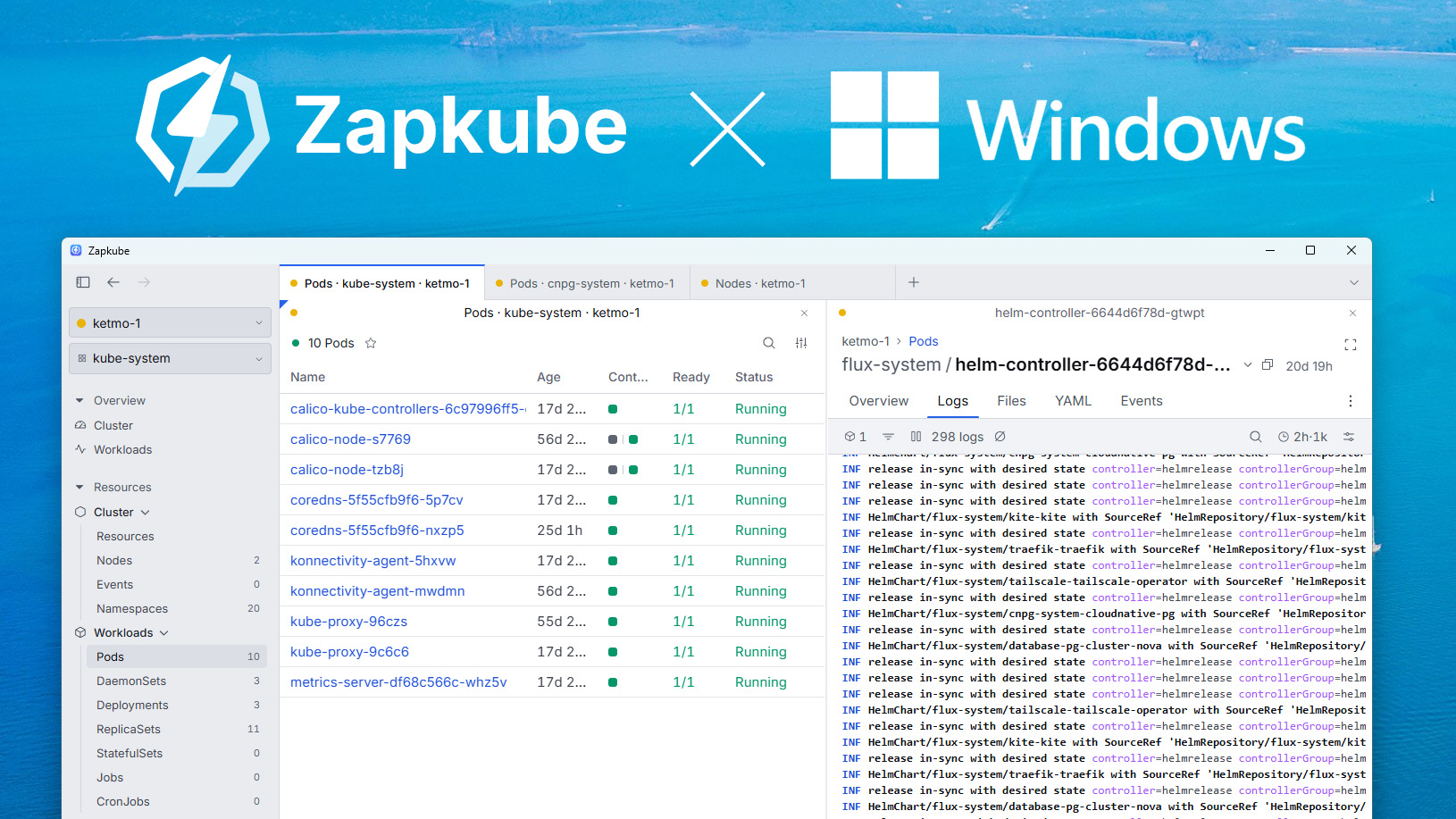
🪟 Windows Support
- Zapkube is coming to the Windows Store as an MSIX package for x64 and arm64.
- The installer is currently unsigned, so if Windows SmartScreen blocks it, you can run the
.exeextracted from the portable zip instead. - Also available via the Scoop package manager.
- Exec and Debug work with Windows Terminal and Windows Console. Open an issue if you'd like support for another terminal app.
📁 Kubeconfig Sources
- Add custom kubeconfig files and folders as sources, in addition to the default
~/.kube/config, with live drift detection and per-source enable/disable. - Paste a kubeconfig directly, saved to disk or session-only, with a recap that names any exec credential plugins it references.
zapkube --kubeconfig <path>registers a session source from the CLI.
🌐 Network Proxy
- Set a custom proxy (system, manual, or none) from Settings → Network, applied to cluster, app, and Helm traffic alike.
📦 Bulk Workload Actions
- Scale and Restart now act on a whole selection of workloads at once, with a recap of what will change per resource.
🧹 Misc
- CRDs are grouped into subheadings by API group in the sidebar, and the grouping can be turned off in Settings.
- Press Space to select a table row, in addition to X.
- Fixed a macOS bug where closed windows still appeared in Mission Control as invisible phantom entries. Ref zapkube/zapkube#72