The fastest Kubernetes
desktop client
Zapkube connects to all your Kubernetes clusters from a lightweight, multi-tabs, multi-panes & keyboard friendly UI.
Free to use, no account required.
macOS // Linux // Windows
Why Zapkube
Most Kubernetes tools are slow to use on a daily basis. Zapkube was built with a strong focus on UX, by engineers obsessed by CLI tools but interested in an efficient GUI to speed up their daily workflow. Get a global overview of your cluster in a keystroke, so everything feels blazing fast.
A strong focus on User Experience…
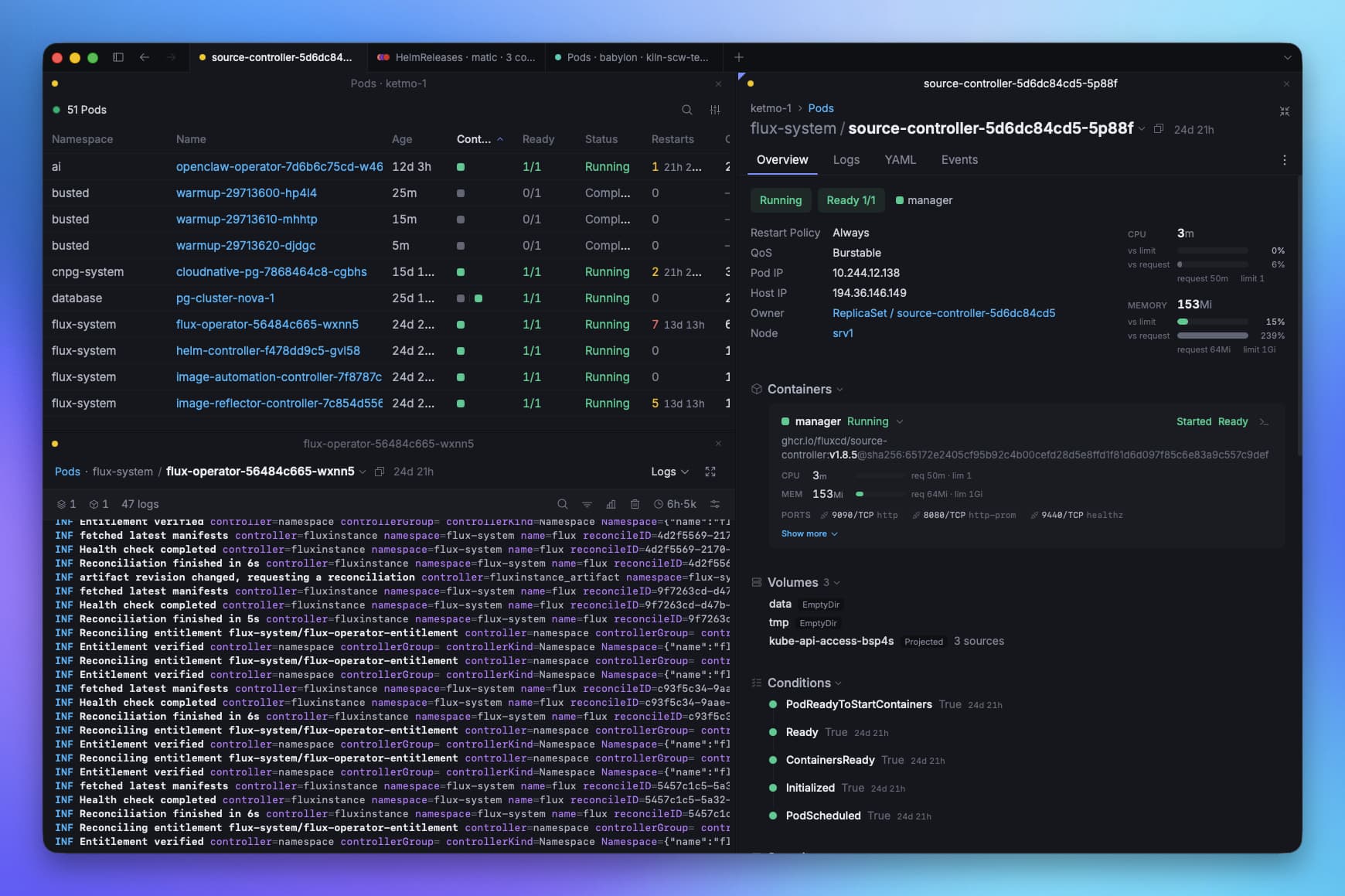
- Unlimited tabs
- Vertical or horizontal panes
Zapkube works like a modern terminal such as Ghostty: open as many tabs as you need, then split any tab into panes — horizontally or vertically.
Watch deployments, logs and pods side by side within a single tab, and arrange your workspace exactly the way you think.
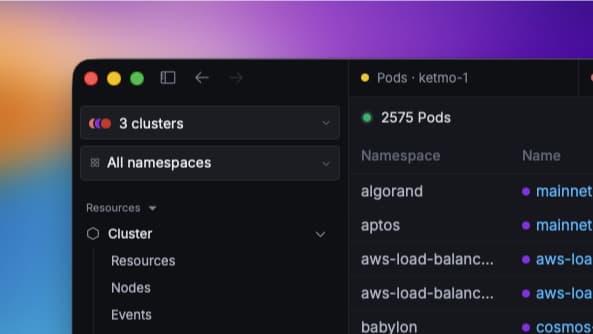
- Aggregated views
- Cluster groups
Connect a single tab to several clusters at once and list the pods or deployments of all of them together, in one unified view.
Group your clusters too: connect to every production or staging cluster in one click and see them aggregated side by side.
No more juggling between windows to keep track of your whole fleet.
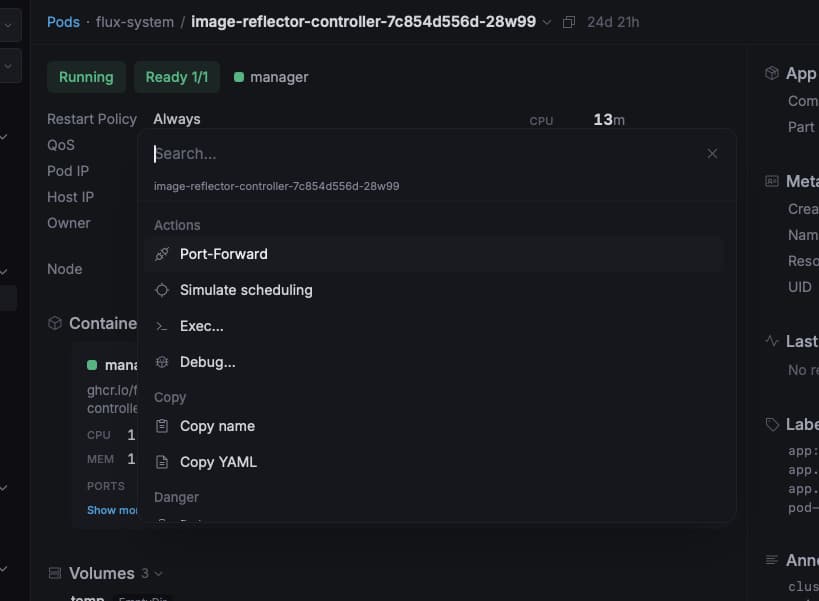
- Command palette
- Shortcuts everywhere
The entire app is 100% usable from the keyboard alone — you never need the mouse to navigate between resources, switch tabs, or trigger any action. Every command is one keystroke away, and the command palette covers anything you haven't memorized yet.
It's the sweet spot between a desktop app and a CLI: the speed of the command line, with the clarity of a real UI.
Launch it straight from your terminal
- Same flags as kubectl
- Deep-links to any resource
Zapkube ships with a kubectl-compatible CLI. Type a command you already know — same contexts, same flags — and the app opens right on that view.
One more way to reach exactly the info you want, as fast as possible.
Zero Config Setup
If kubectl already works on your machine, so does Zapkube.
Nothing to install on the cluster.
Just download it and run.
Plus many powerful tools for everyday operations…
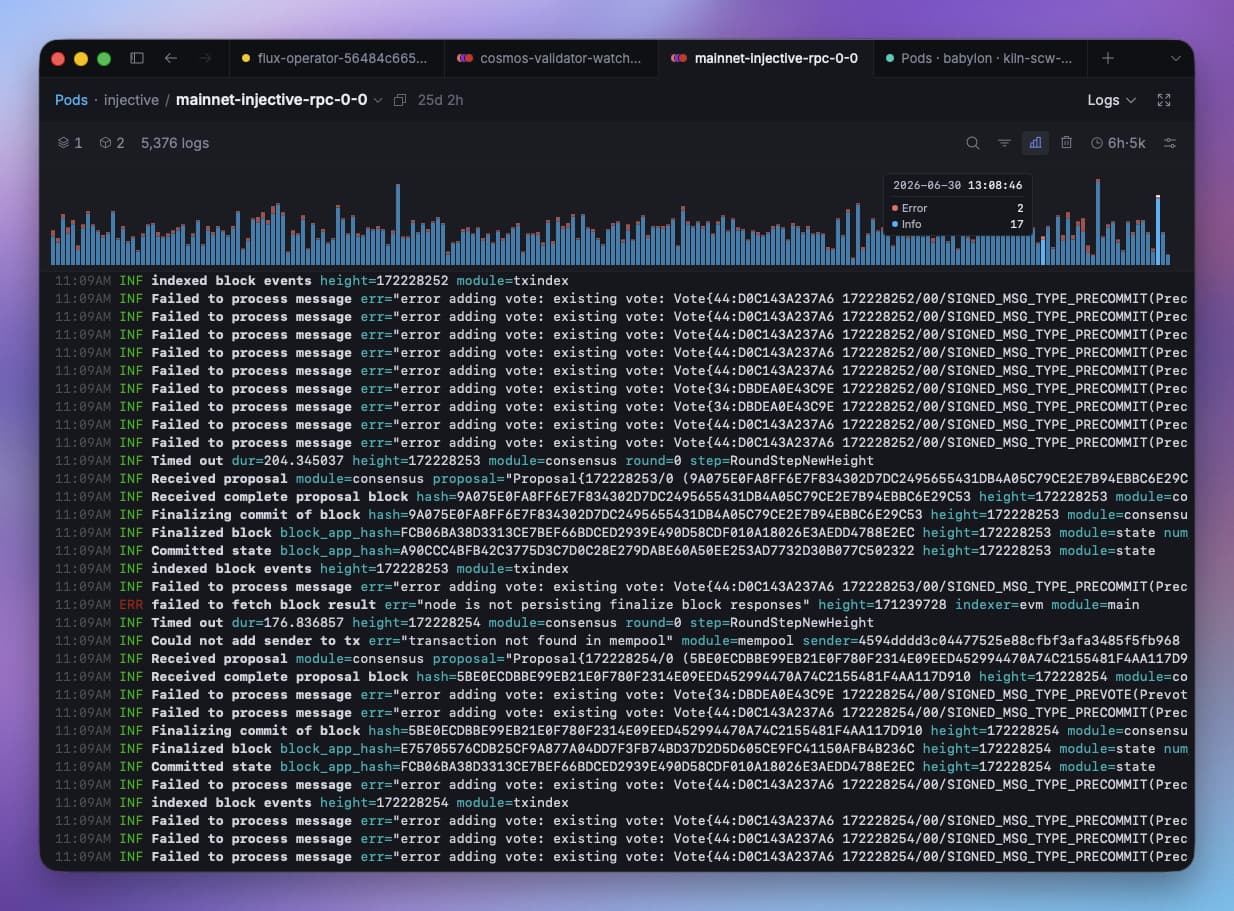
Smart log viewer
- Multi-pod streaming
- Parse structured formats
- Volume graph
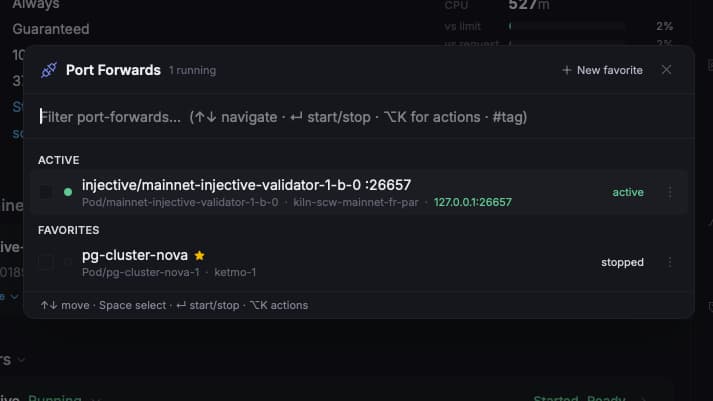
Port-Forward on steroids
- Manage favorites
- Auto-reconnect
- Shareable configs
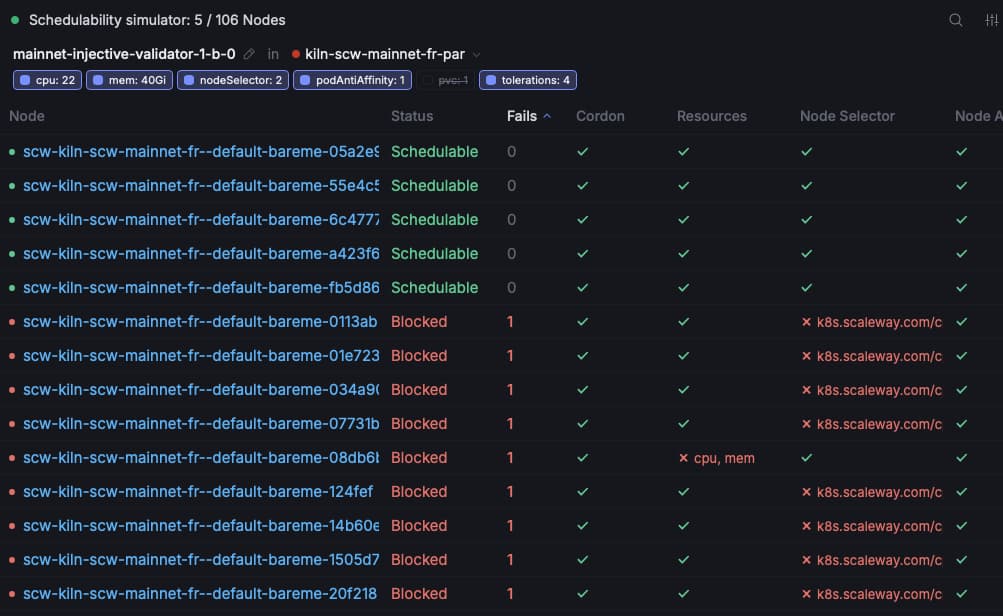
Scheduler Simulator
- Unschedulable pods debug
- Resources, affinity, volumes, …
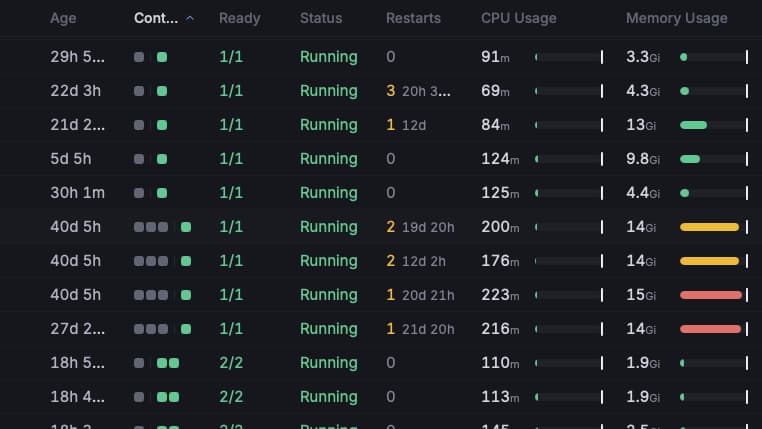
Pod & node usage metrics
- Requests vs limits
- Every level
- Detect noisy neighbors

Built in Go, on the official Kubernetes client-go library. Native, compiled, and light — no Electron, no runtime tax.
The roadmap
Always shipping
A living roadmap, not a promise. Here’s what we’re building next — from early ideas in the backlog to features already in your hands.
View active issues on GitHub →Latest releases
Changelog
Every release, what changed and why — straight from the app.
Zapkube works with any Kubernetes cluster
GKE, EKS, AKS, OpenShift, Talos, Rancher, and many other setups, as long as it works with kubectl.


Get Zapkube. It's free.
Zapkube is in beta and 100% free.
Everyone who tries it now keeps it free, for good.
Just download and run — any feedback is welcome.
macOS (Apple Silicon & Intel) · Linux .deb .rpm AppImage Arch · Windows Scoop .zip